Features
Every feature.
Built for hundreds of mods, several playthroughs and friends on the same pack.
- Finds your game
- On every store and launcher, or in a folder you pick.
- Installs the mod loader
- And keeps it up to date.
- Every mod site
- 8 sites, searched at once.
- Free
- No account, no ads, open source.


Download for Windows or Linux. 333 games supported.
A profile for every playthrough
Each has its own mods, settings and launch options.
- Install any version, and roll back
- Read the changelog before you update
- Freeze a profile on its versions
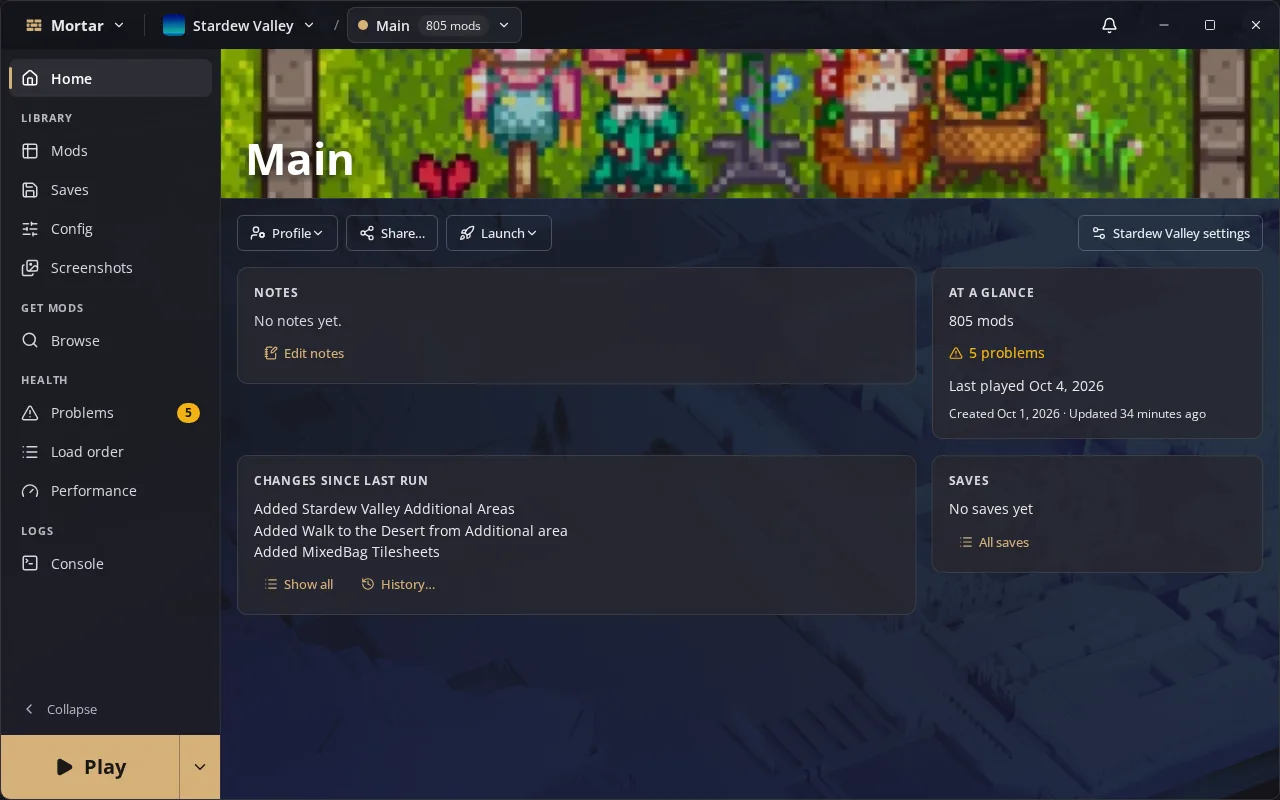
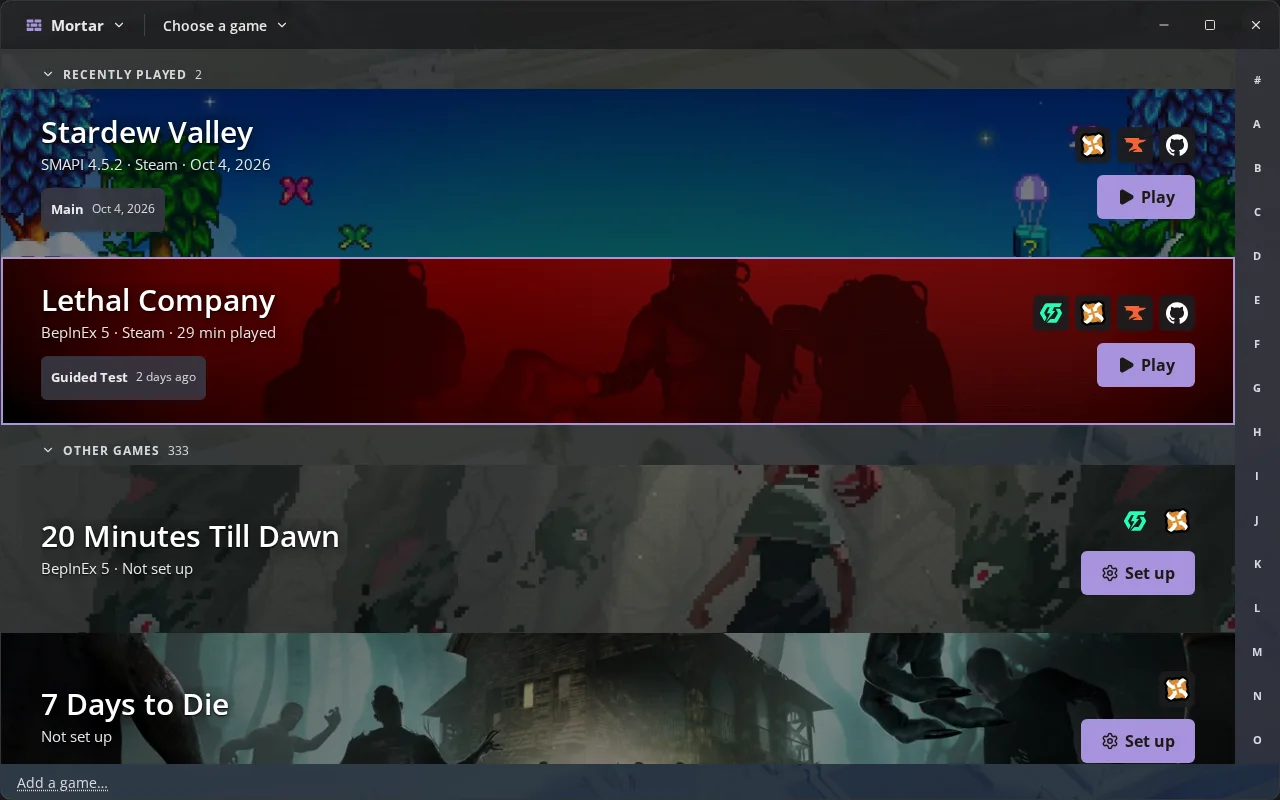
Stardew Valley on SMAPI
SMAPI installed and kept current, and hundreds of mods with cover art.
- Nexus Mod Manager Download lands in the right profile
- Nexus collections with their FOMOD choices
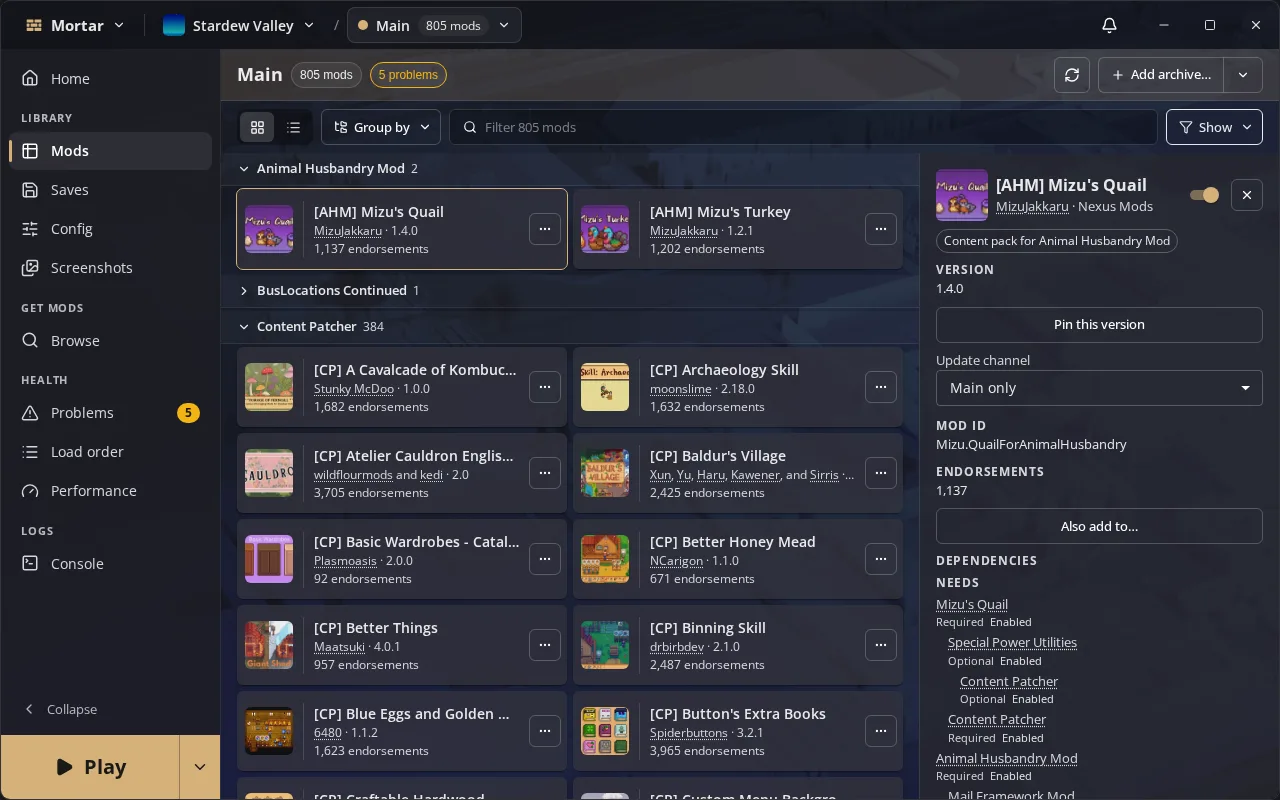
BepInEx games
Lethal Company, Valheim and more, with packages kept in the profile, not the game folder.
- Import r2modman or Gale profiles
- Failed or duplicate plugins show in Problems
- Dedicated server profiles
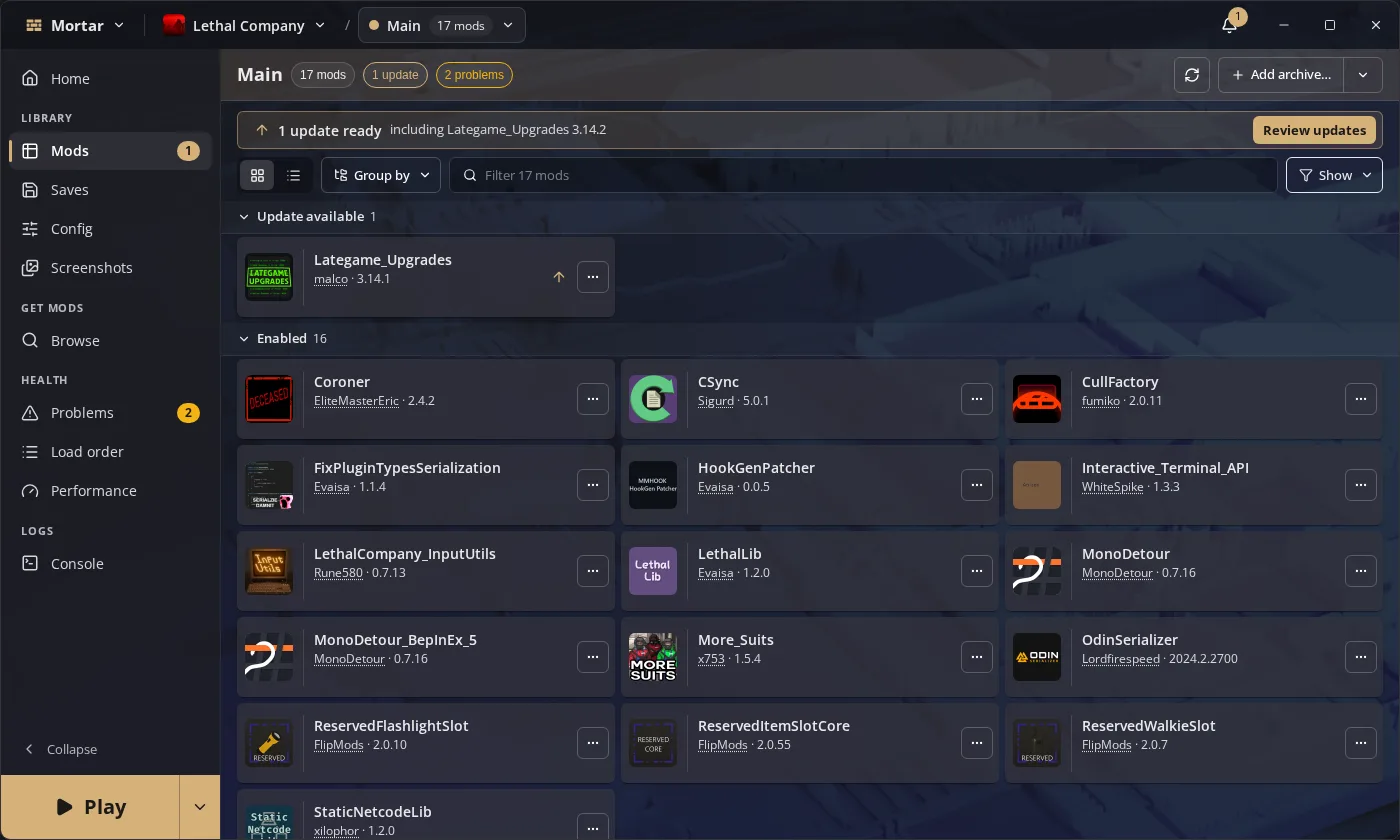
Every mod site in one search
Every site the game uses, searched at once. Dependencies come along.
- Mods you already have are marked
- Every download comes from the mod's own page
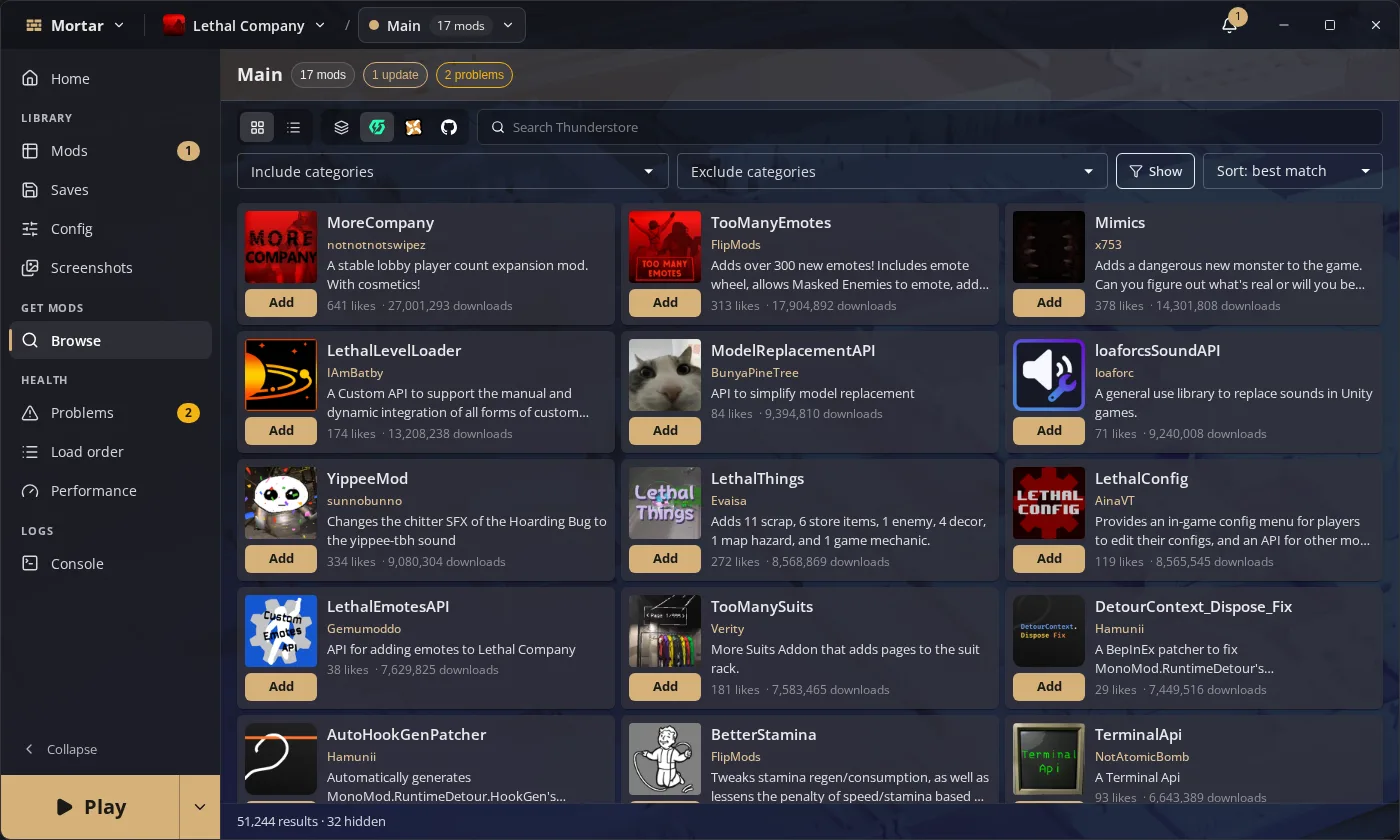
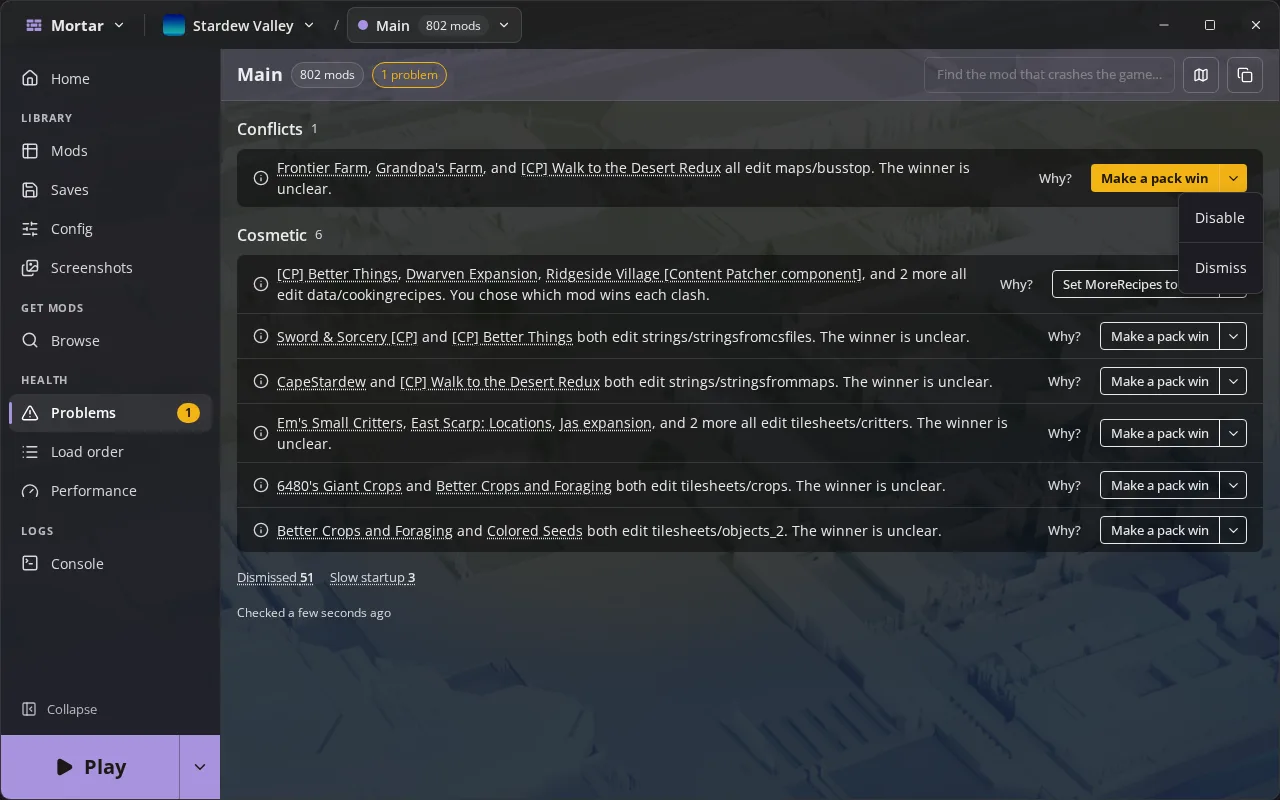
Know what broke before you launch
Missing dependencies, outdated versions and conflicts, in plain words.
- One-click fixes
- After a crash, the mod at fault is named
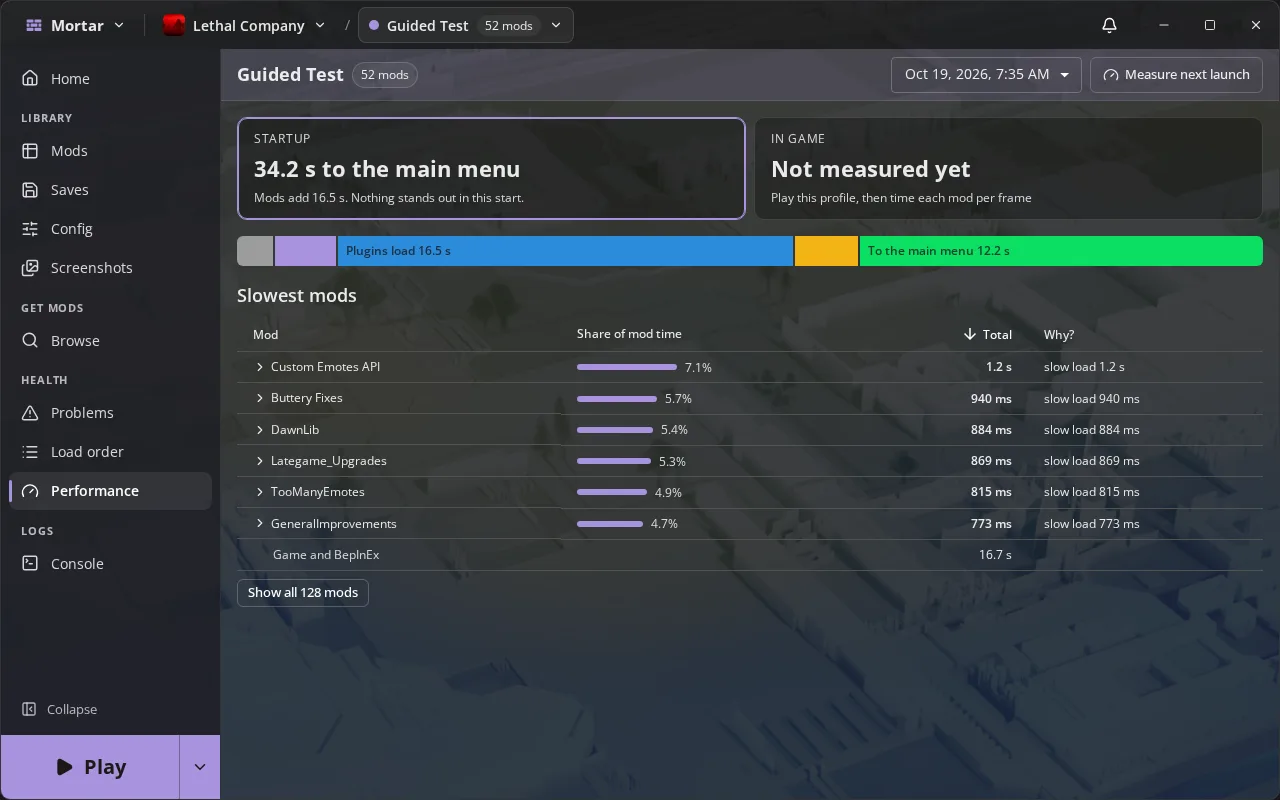
See what slows your startup
Time to the title screen and what each mod costs.
- Compared with the last launch
- Console and logs inside Mortar
Play from Steam Deck Game Mode
Add a profile to Steam and play it from Game Mode.
- Full gamepad control
- Laid out for the Deck's screen
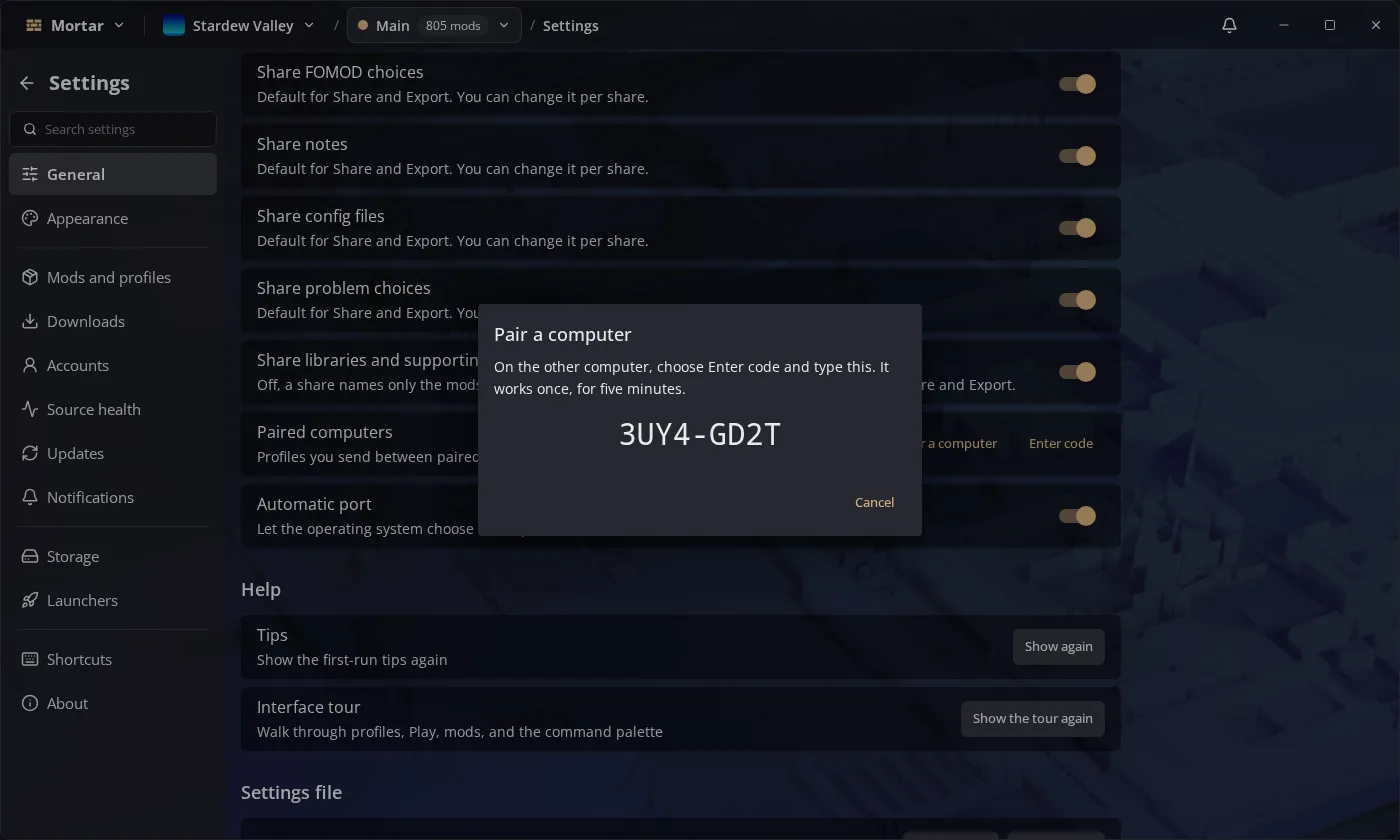
Your profiles on all your PCs
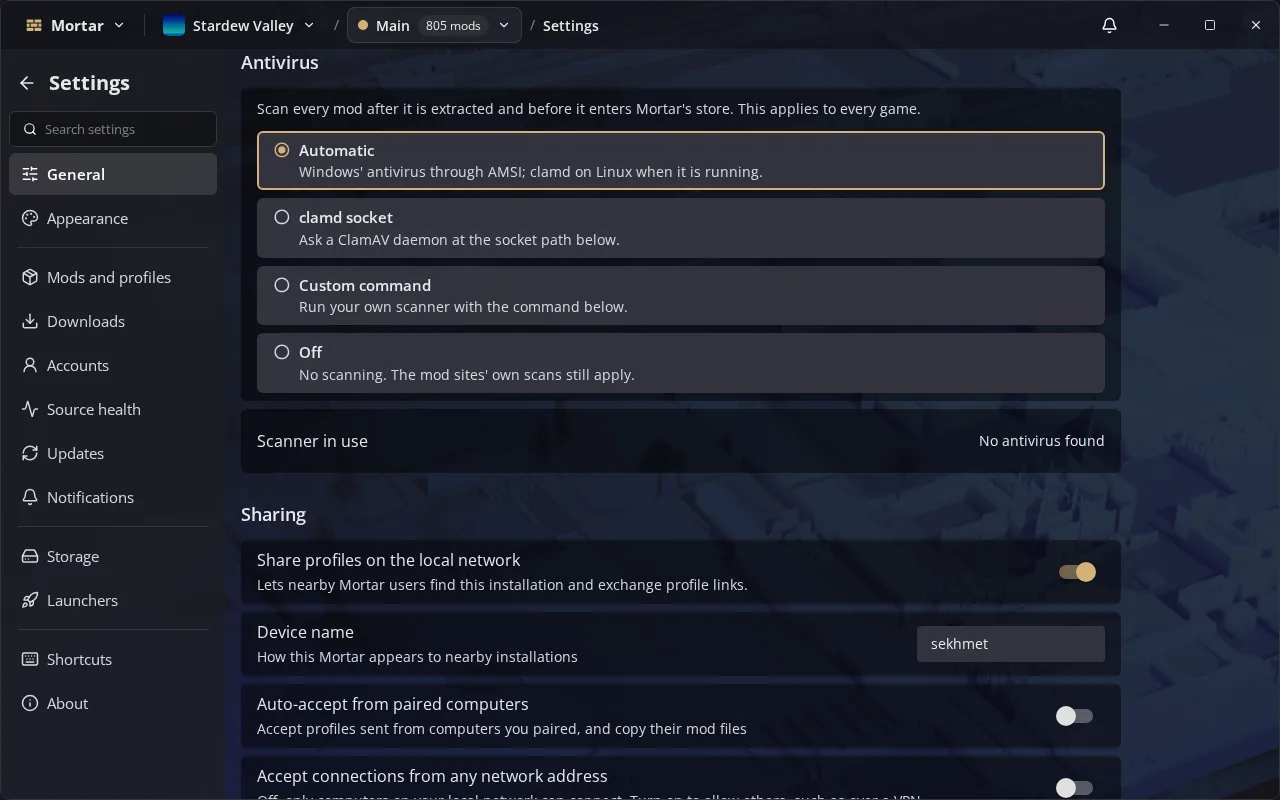
Pair two computers with a short code. Profiles arrive with their mod files.
- No account
- Nearby computers are found for you
Scanned before it installs
Each mod goes past your antivirus first: Windows' scanner, ClamAV or your own command.
Companions
Works with your browser and your game.
Two optional, open source add-ons, installed from inside Mortar.
Browser extension
Marks Nexus Mods, Thunderstore and other mod sites with what your profile has, and sends downloads to Mortar. Firefox and Chromium browsers.
Game bridge
A small mod in each profile. It runs console commands and times startup in Stardew Valley, and reports which plugins loaded in BepInEx games.